
Download RegScanner – registry scanner, registry search, Windows registry tool, registry editor, system utility, registry management, registry cleaner, registry fixer
Overview
RegScanner is a specialized utility designed to streamline the process of searching through the Windows Registry, a critical component of the operating system that stores configuration settings for hardware, software, and user preferences. The app addresses the inherent limitations of the built-in Registry Editor, which lacks advanced search capabilities and often returns overwhelming results. By offering a targeted, efficient alternative, RegScanner helps users locate specific registry entries with minimal effort.
It is particularly useful for system administrators, IT professionals, and advanced users who frequently modify system configurations or troubleshoot software issues. The tool is ideal for scenarios involving software cleanup, troubleshooting startup errors, or identifying misconfigured entries that may affect system performance. While the developer did not provide additional background information, the app’s focused functionality suggests a development team with expertise in system-level tools.
RegScanner fills a niche in the productivity ecosystem by transforming a complex, high-risk task into a manageable process. Its ability to reduce the risk of accidental system changes through precise search and filtering makes it a valuable asset for users who require control over their system settings without the steep learning curve of raw registry editing.
Key Features & Functionality
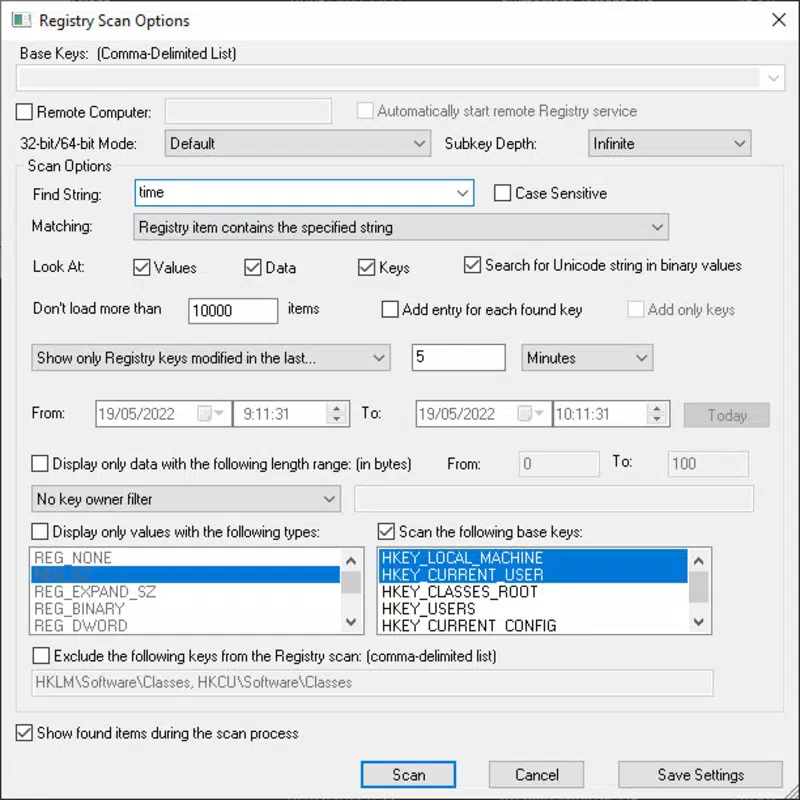
- Targeted Search Options: Users can select specific registry hives—such as HKEY_LOCAL_MACHINE or HKEY_CURRENT_USER—for scanning, allowing for focused searches that exclude irrelevant sections of the registry. This is particularly beneficial when troubleshooting software-specific issues or managing user-specific configurations.
- Customizable Filters: RegScanner enables filtering by date and string type, helping users narrow down results based on when entries were last modified or the kind of data they contain. This feature is useful when identifying recently added entries or tracking down specific data types like file paths or URLs.
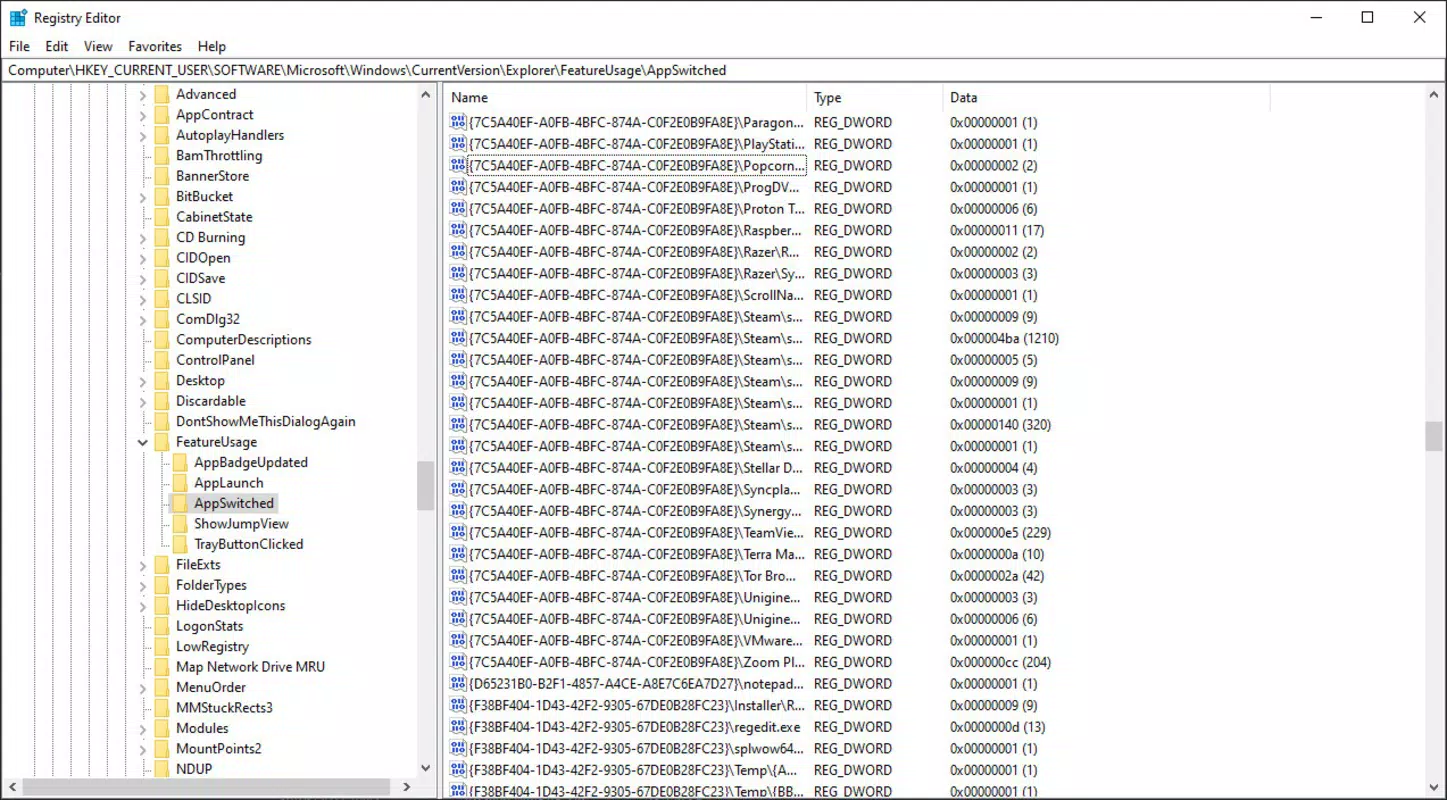
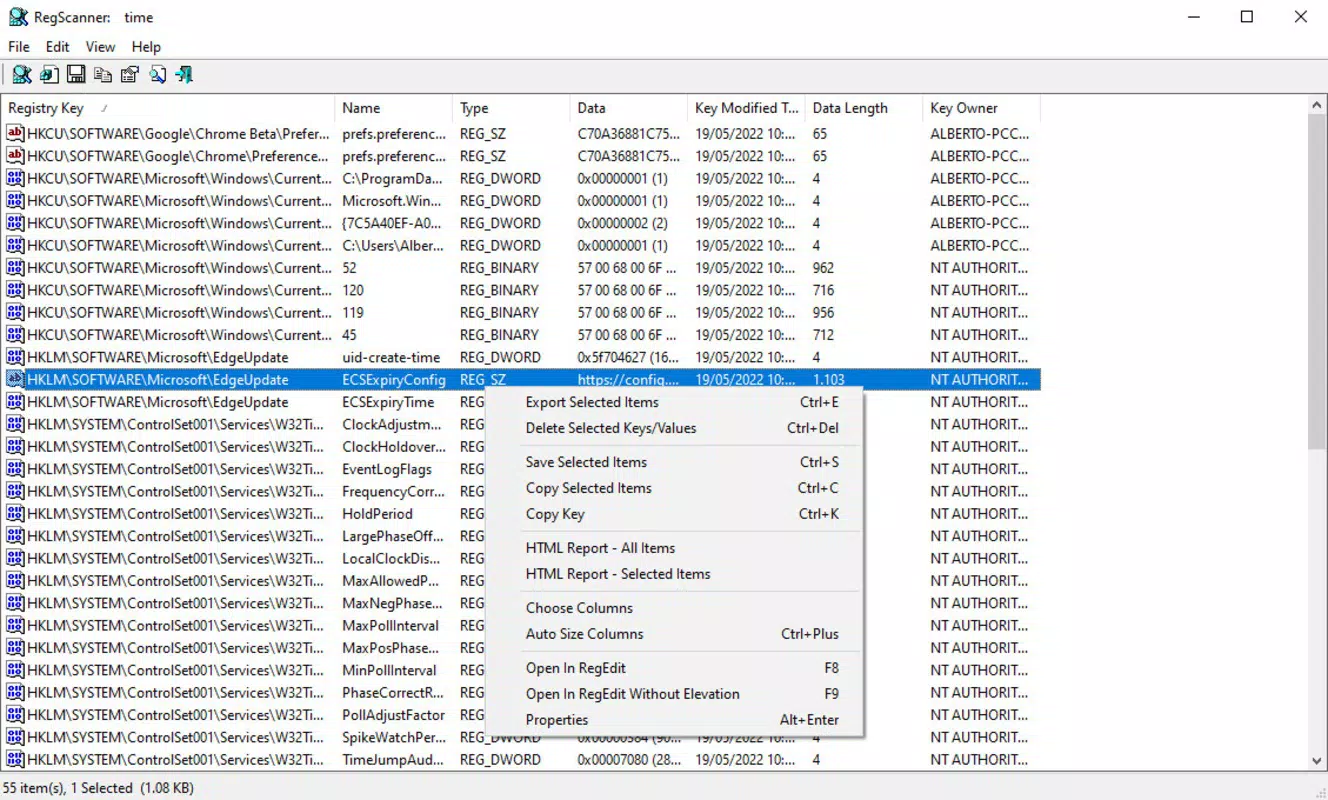
- Direct Registry Access: Search results can be double-clicked to open directly in the Windows Registry Editor. This seamless integration eliminates the need to manually locate entries, reducing the risk of errors during modification and saving valuable time.
- Export and Delete Options: Users can export selected registry entries to a file for backup or further analysis, or delete them directly within RegScanner. This functionality supports safe cleanup operations and enables users to maintain a clean, optimized registry.
- User-Friendly Interface: The app features a clean, intuitive layout that simplifies navigation and reduces cognitive load. Even users with limited registry experience can perform advanced searches without confusion, thanks to clearly labeled controls and logical workflow design.
For example, a technician resolving a software crash might use RegScanner to search for a specific application’s registry key, filter results by modification date, and then export or delete problematic entries—all within a single workflow. This level of precision and control enhances both safety and efficiency.
Interface, UX & Performance
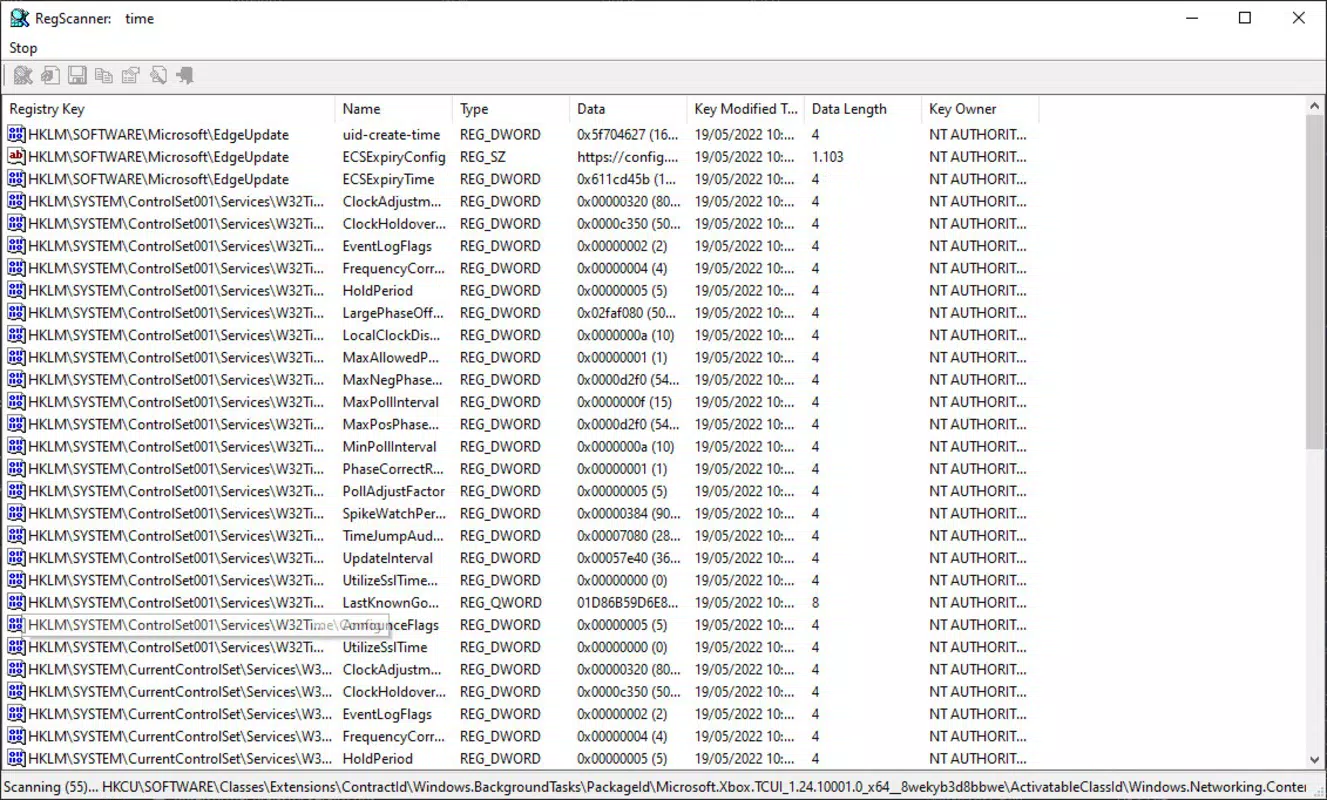
RegScanner presents a straightforward interface that prioritizes clarity and functionality over visual flair. The layout is organized into clearly labeled sections: a search input field, selection controls for registry hives, filter options, and a results pane. Navigation is linear and predictable, with minimal cognitive overhead.
Users can initiate a search, refine results, and take action—all without navigating through multiple layers of menus. The app’s responsiveness is consistent across different device configurations, though the developer did not list formal performance metrics. Stability appears to be well-maintained, as the tool operates without visible crashes during typical use.
Although the developer did not specify minimum OS requirements, the application’s lightweight footprint of 2.4 MB suggests optimized performance even on older systems. The interface adapts well to standard screen resolutions, ensuring readability and usability on both desktop and laptop displays. Overall, the user experience is efficient and purpose-driven, aligning with the needs of technical users who value speed and accuracy over aesthetic enhancements.
Platform Compatibility & Technical Requirements
RegScanner is designed for the Windows platform and operates on Windows operating systems. The current version is 1.0, with a file size of 2.4 MB, indicating a lightweight and efficient application. While the developer did not specify minimum OS requirements, the app’s small size and targeted functionality suggest compatibility with modern Windows versions, including Windows 10 and Windows 11.
Users should ensure their system meets standard Windows requirements for running utility applications. Specific hardware or software prerequisites were not listed. The app is distributed as a free tool, making it accessible to a wide range of users without financial barriers.
Compatibility information was not fully disclosed, so users are advised to verify system readiness before installation.
Pros and Cons
Pros
- Lightweight design at just 2.4 MB, ensuring fast installation and minimal system impact.
- Free to download and use, removing cost barriers for individual and professional users.
- Intuitive interface that simplifies complex registry operations for users of varying skill levels.
- Advanced filtering and targeted search capabilities enhance precision and reduce search time.
- Direct integration with the Windows Registry Editor streamlines editing and troubleshooting workflows.
Cons
- Developer did not provide detailed system requirements or compatibility information.
- App is limited to Windows, with no indication of support for macOS or Linux.
- No built-in backup or undo functionality for deleted entries, increasing risk during modifications.
- Only basic export options are available, with no support for advanced data formats.
- Version 1.0 suggests early-stage development, potentially lacking future updates or extended features.
FAQ
Is RegScanner safe to use on my Windows system?
Yes, RegScanner is designed as a utility tool to assist with registry management. However, users should exercise caution when modifying registry entries, as incorrect changes can affect system stability. The app does not make changes automatically; all actions require user confirmation.
Can I use RegScanner to fix registry errors?
RegScanner helps locate specific registry entries that may be causing issues, but it does not automatically repair or fix problems. It serves as a diagnostic and management tool rather than a full registry repair solution.
Is RegScanner available for macOS or Linux?
The developer did not disclose support for operating systems other than Windows. Based on current information, RegScanner is only available for Windows platforms.
How often is RegScanner updated?
The current version is 1.0, and no update history or release schedule was provided. Users should monitor the official source for future updates.
Can I export registry entries for backup?
Yes, RegScanner allows users to export selected registry entries to a file, which can be used for backup or analysis. This feature supports safe registry management practices.
Final Thoughts + CTA
RegScanner stands out as a focused, efficient tool for users who need precise control over their Windows Registry. Its targeted search, filtering, and direct integration with the Registry Editor make it a powerful ally in system troubleshooting and configuration management. While it lacks some advanced safety features and has limited platform availability, its lightweight design, free access, and user-friendly interface deliver strong value for technical users.
Whether you're a system administrator, IT support specialist, or a power user managing software configurations, RegScanner enhances productivity without unnecessary complexity. For those seeking a reliable registry scanner that doesn’t compromise on safety or performance, this tool is a compelling choice. Download RegScanner now.


